
How Business Card Ordering API Helps Large Organizations
Everyone likes their job to be easier and you will find that business card ordering API for large companies makes it a streamlined process so that you will not even call it work!
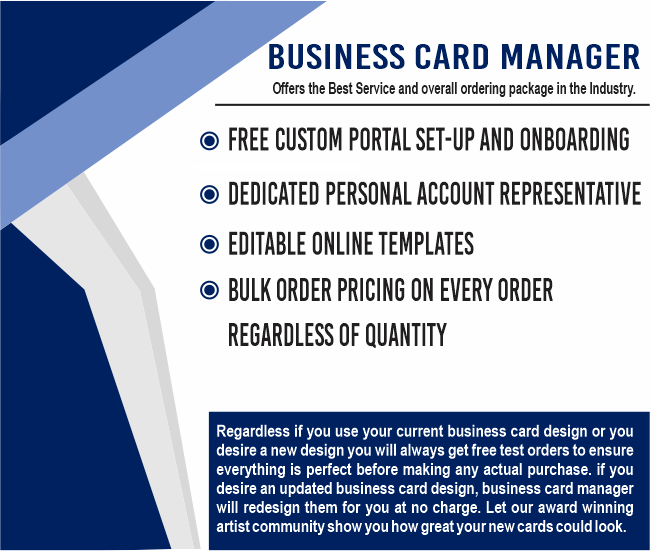
That is because BusinessCardManager.com takes all the work out of ordering Business Cards and makes it a fun project - even though it really is work!
Put someone in charge
The business card ordering API can really help large organizations if the company puts someone in charge of ordering business cards. This person is then held accountable for ordering and processing all business cards for the whole company.

It streamlines the process because the person will be able to control when orders are placed and ensure that they are all processed correctly and in a timely manner. It also ensures that all business cards are consistent and that no employee's cards slip through the cracks and portrays the company in a manner that is not appropriate.
- You may allow everyone in your organization or just specific individuals to login and order Business Cards. Or, if you desire, you have the option to appoint an administrator to oversee the entire process.
- The system is completely customizable to fit your specific needs and internal controls.
- If you choose to appoint an administrator, they will receive email notifications for all new orders. The administrator may then approve, deny, or change any necessary information.
Good value for reasonable pricing
At BCM you will find that you also get good value for using the ordering business card API for large companies. BCM only uses a high-quality card stock and image is important as they offer 100% guaranteed satisfaction. Depending on your requirements.

A process that is easy to use
With a process that is so simple and easy to use, ordering business cards for large companies is a whiz! There is also a complete history that is kept so you will always know what has been ordered in the past and will not have to re-enter information unless you want to make changes. Go to BusinessCardManager.com to get started.