
Business Card Management Program
Business Card Management Program
Are you tired of lost orders and bad printing jobs? Look no further because you will find that BusinessCardManager.com has a business Card Management program that will take all your worries away. With a robust system that can help you to order multiple types of Business Cards, you will be pleased to know that this dynamic system also keeps track of all orders placed.
Business Card Manager program for business cards is the best
Business Card Manager has a business card management program that will make it easy to place orders whenever you need to without having to first download some software to utilize the system. All you need to do is use your own computer and log on to our website and you will be ready to go. It's that simple. Plus, it will guide you every step of the way through the whole process that is quick and easy.



Take advantage of Business Card Manager program for business cards
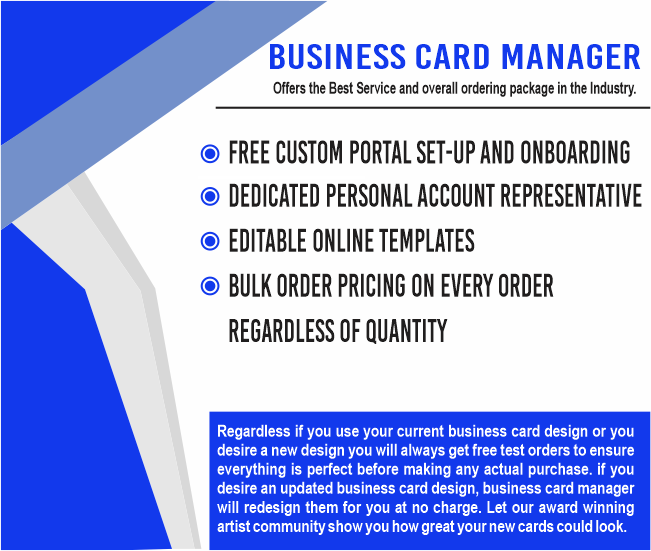
As you use the business card management program at Business Card Manager you will understand how dynamic it really is. Everyone is assigned an account representative to handle all your business card program needs. This means, you will always be able to contact this representative to help with updating cards and accessing the history log to understand the status of each order placed with Business Card Manager.
- You may allow everyone in your organization or just specific individuals to login and order Business Cards. Or, if you desire, you have the option to appoint an administrator to oversee the entire process.
- The system is completely customizable to fit your specific needs and internal controls.
- If you choose to appoint an administrator, they will receive email notifications for all new orders. The administrator may then approve, deny, or change any necessary information.
Business Card Manager business card program for all your card needs
So, don't look further for a business card management program because CM is the one to choose. when you are ready to reorder or add a new employee to your log, you don't have to do anything but select another printing job. If an order is delayed, the system will tell you. It is that simple!